
Text to Video AI Generator Online Free
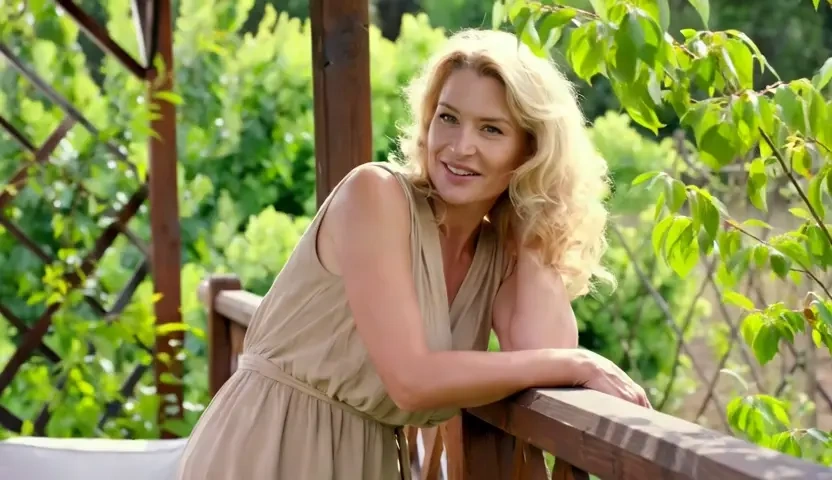
KorioAI reads a prompt the way a director reads a shot list, then binds camera movement, lighting, and subject motion into a short clip. Describe the setting, the action, and the mood; the text to video AI returns a preview you can rewrite and run again. It is free to start in the browser, so you can generate video from text before you book a crew or open an edit suite.
What is KorioAI's Text to Video?
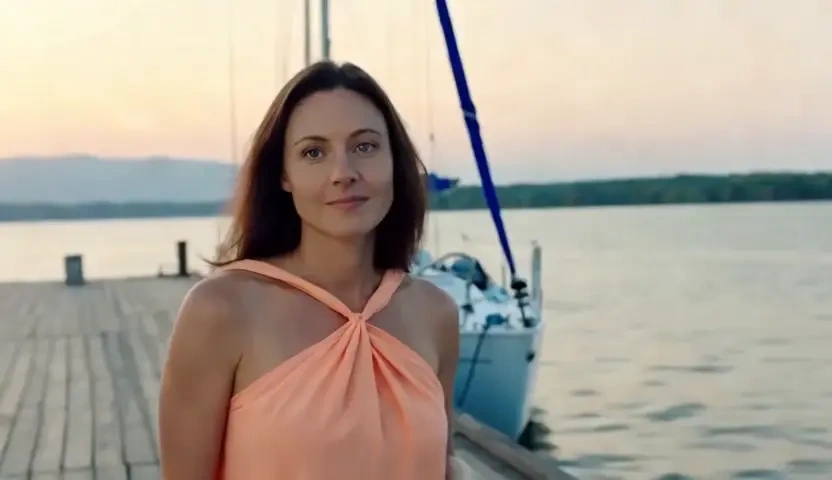
KorioAI's text to video is an AI video generator from text for people who already have the story and need the pictures to move. You type a scene instead of uploading a clip, and the model turns that language into camera-aware motion. Unlike an overlay editor that only stamps captions onto footage, this text to video AI tool invents the shot itself, keeping composition, lighting continuity, and subject movement bound to your prompt. Use it when you want to convert text to video for ads, lessons, or short films without a crew. The output is a clip you can preview, iterate, and download, not a still frame with a slow pan.
How Does KorioAI's Text to Video Work?
Step 1: Write the Scene You Want to See
Describe the subject, setting, camera move, and mood in plain language. The clearer the shot list, the more faithfully KorioAI can create video from text.
Step 2: Set Duration, Aspect Ratio and Visual Style
Choose a vertical Shorts frame, a widescreen cut, or a tighter square, then pick a look such as cinematic, documentary, or illustrated. These controls help the text to video converter pace motion instead of guessing a generic clip.
Step 3: Generate, Preview and Download
Render the clip, watch it on a timeline-style preview, and download the take you like. You can rewrite a line and run it again; the workflow is free to start, so iteration stays cheap while you generate videos from text.
What You Can Do with KorioAI's Text to Video?
Ship Social Ads from a Campaign Brief
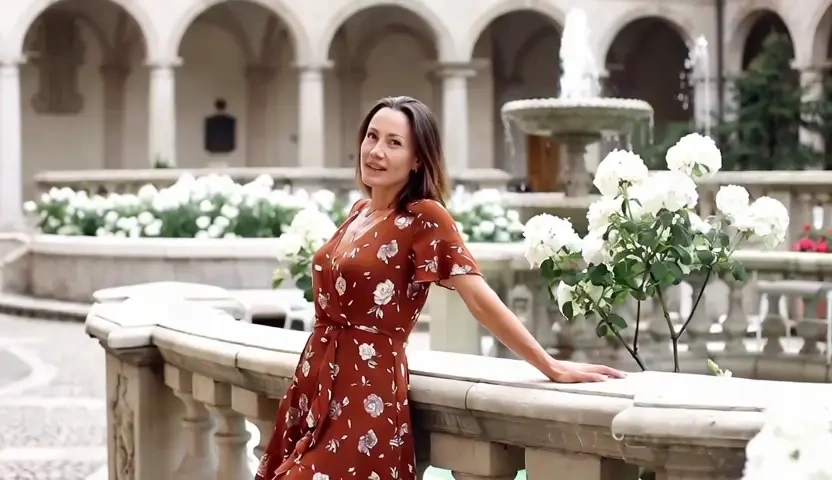
When a launch brief is ready but the shoot is not, marketers use KorioAI to make a video from text rather than waiting on a studio day. The model grounds product cues, setting, and camera grammar in the written brief, then builds an AI generated video from text with coherent lighting and subject motion. The result is a social-ready clip you can test on paid placements while the live crew is still being booked.

Turn Lesson Notes into Teaching Clips
Educators often have a paragraph that already teaches the idea, yet they still need motion for a course module. Paste the explanation and KorioAI will create video with text as the source of truth, turning definitions into paced shots instead of a talking-head placeholder. Lighting continuity and subject stability keep the lesson readable, so a video from text can sit beside slides without looking like leftover B-roll.
Preview Animated Stories from a Script
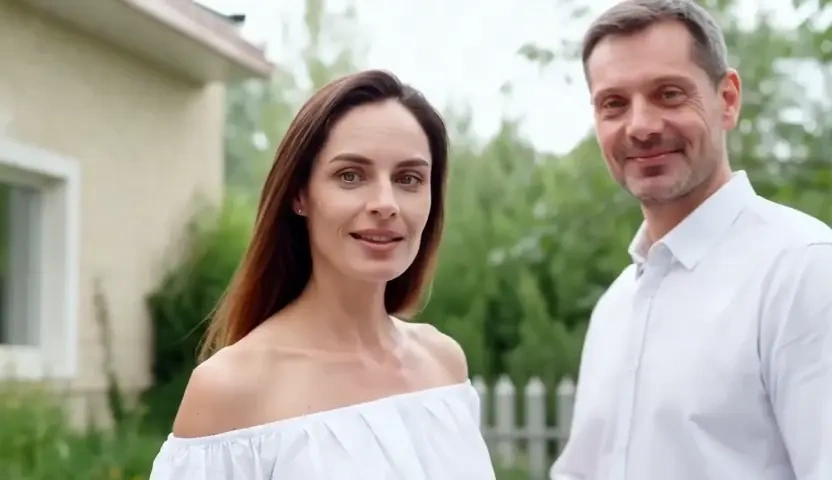
Writers who think in beats, not storyboards, can run a text to animated video AI pass on a short scene. KorioAI treats the script as blocking notes: who enters, where the camera sits, and how the motion should feel, then creates an animated video from text with a stable silhouette and consistent background geography. That job is different from a photoreal look; it is for story reels and illustrated worlds that need motion without a 3D pipeline.
Brief Product Walkthroughs and Brand Films
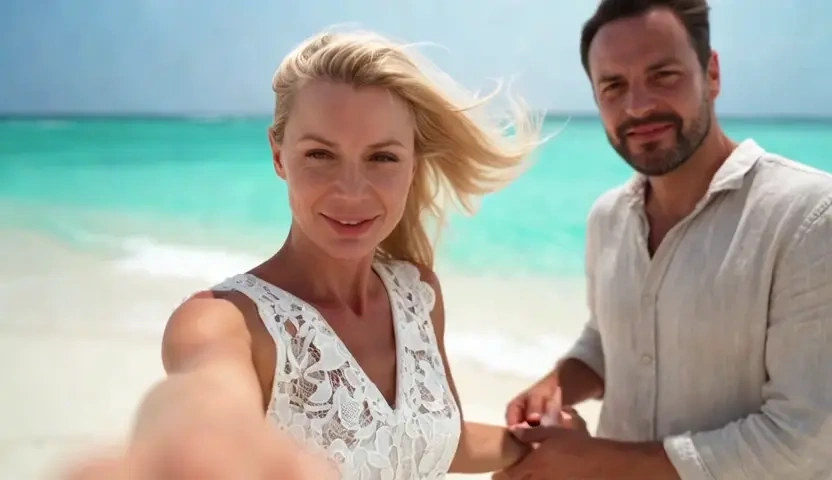
Brand teams can write a walkthrough in sentences and let an AI video maker from text assemble the opening, the feature beats, and the closing shot. KorioAI keeps identity lock on the hero object and matches camera speed to the copy, so you can create AI videos from text without a jumpy cut every time the prompt changes. The clip is meant for landing pages and pitch decks, not as a caption stamp on footage you already shot.
Who is KorioAI's Text to Video for?

Performance Marketers and Social Teams
Paid social and lifecycle teams need volume without a weekly production bottleneck. KorioAI turns copy decks into motion tests so you can keep the winners, which is the real advantage among crowded text to video platforms.

Educators, Coaches and Course Designers
If the lesson already lives in a document, you should not have to storyboard it from scratch. An AI text to video pass turns notes into short modules you can drop into a classroom or a cohort.
Filmmakers and Independent Creators
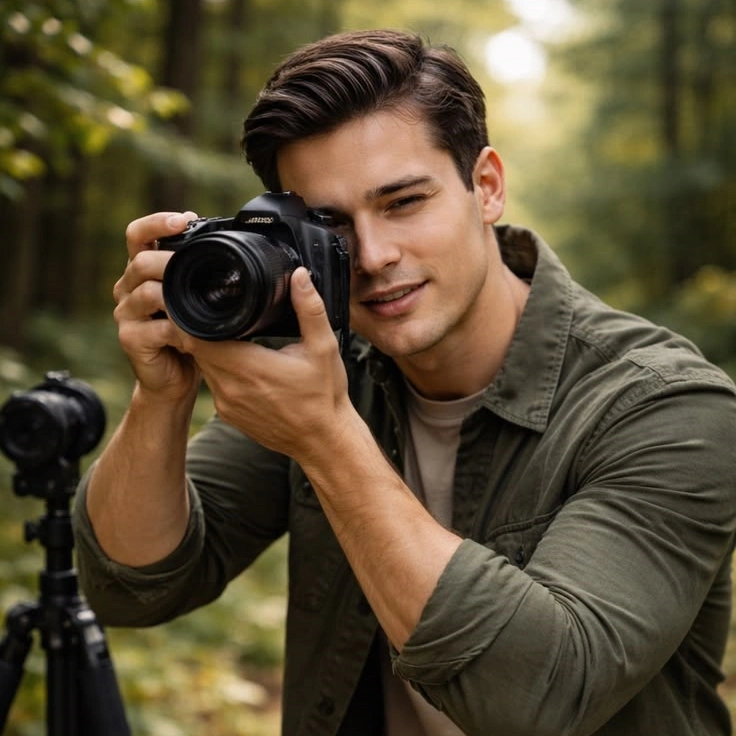
Directors and writers use KorioAI to previsualize a scene before a crew is booked. You stay in language first, then judge motion, lighting, and blocking on the clip itself.
Why Choose KorioAI's Text to Video?
Prompt-Grounded Motion, Not Random B-Roll
Many generators drift after the first second: faces morph, rooms reset, and cameras wander. KorioAI is tuned for temporal consistency, so subject identity, lighting continuity, and camera grammar stay attached to the lines you wrote.
A Prompt-First Workflow Without a Timeline Tax
You do not need to import footage or keyframe a fake zoom. Write the shot, set style and aspect ratio, then render. That is how a text to video AI generator should work when the input is language, not an edit suite.
Private Generation You Can Start Free
Prompts and outputs stay in your workspace rather than a public gallery. The experience is free to start in the browser, so you can judge motion quality before you scale a campaign or a course.