
Image to Video AI Generator Free Online
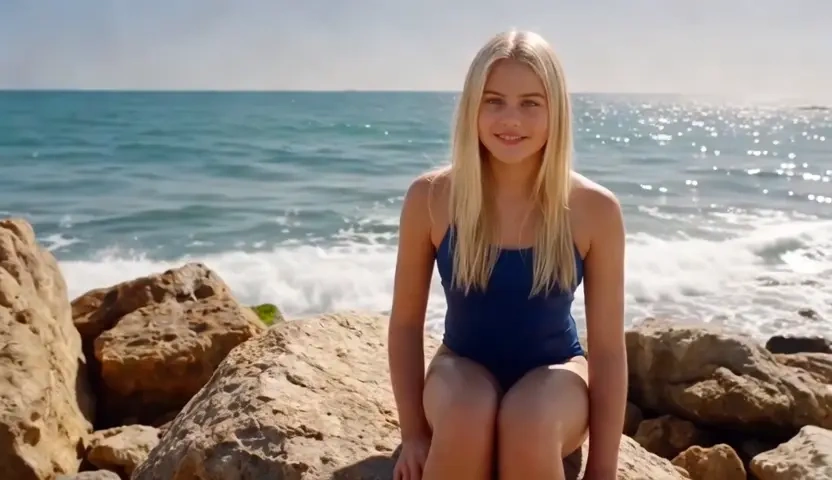
KorioAI starts from the photo you already believe in, then adds camera-aware motion without inventing a new face or a new product. Upload a still, choose how the frame should breathe, and the image to video AI returns a clip you can preview and refine. It is free to start online, so you can animate a picture before you reopen the edit suite.
What is KorioAI's Image to Video?
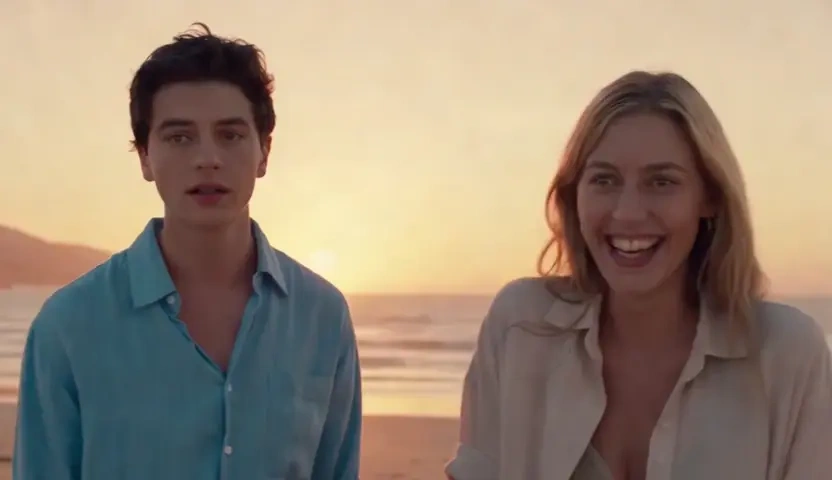
KorioAI's image to video is an AI video generator from image for people who already have the frame and need it to move. You upload a photo instead of writing a scene from scratch, and the model treats that still as the source of truth: identity, product edges, and lighting stay locked while parallax and camera grammar come alive. This is not a slideshow that crossfades a folder of pictures, and it is not a caption stamp on existing footage. Use it when you want photo to video AI that preserves the original composition. The output is a clip, so a jpg or webp can leave as mp4 motion you can preview and download.
How Does KorioAI's Image to Video Work?
Step 1: Upload the Photo You Want to Animate
Drop a jpg, png, or webp still into the canvas. A clean, well-lit picture gives the image to video converter more geometry to hold.
Step 2: Choose Motion Strength, Camera Path and Style
Decide whether the frame should breathe with a slow dolly, a subtle parallax, or a more graphic image to video animation AI look. These controls tell the model how far it may move without breaking the original pose.
Step 3: Generate, Preview and Download
Render the take, watch it on a timeline-style preview, and export the clip. You can tighten the motion and run it again; the workflow is free to start, so you can make video from images without opening a desktop editor.
What You Can Do with KorioAI's Image to Video?
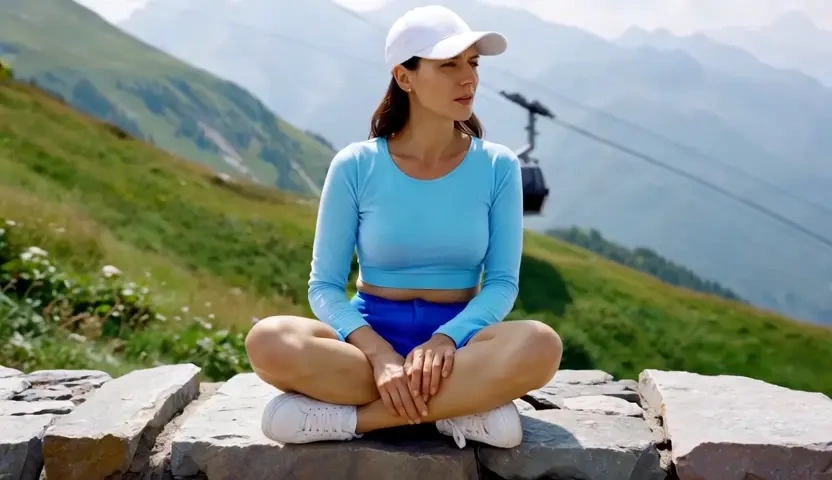
Turn Product Stills into Shop-Ready Motion
A catalog photo already sold the object; it just sat still on the product page. Upload the hero shot and let photo to video AI add a controlled camera glide and light wrap while the product silhouette stays locked. That is how performance teams create AI video from image online without a reshoot, then drop the clip into paid social the same afternoon.
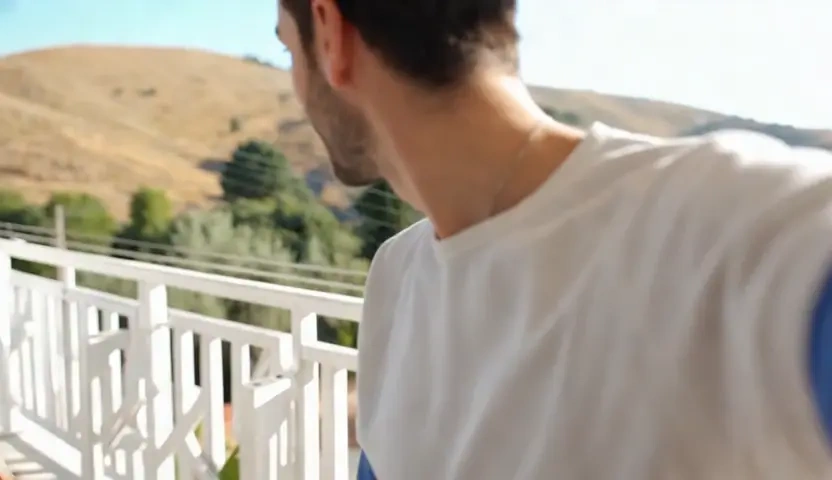
Animate a Portrait Without Losing the Face
Creators with a strong still often lose the likeness the moment motion starts. KorioAI's animate image to video AI path holds facial structure, hairline, and wardrobe edges while eyes, breath, and background parallax come online. The result is picture to video AI you can publish, not a morph that drifts into a stranger by the third second.
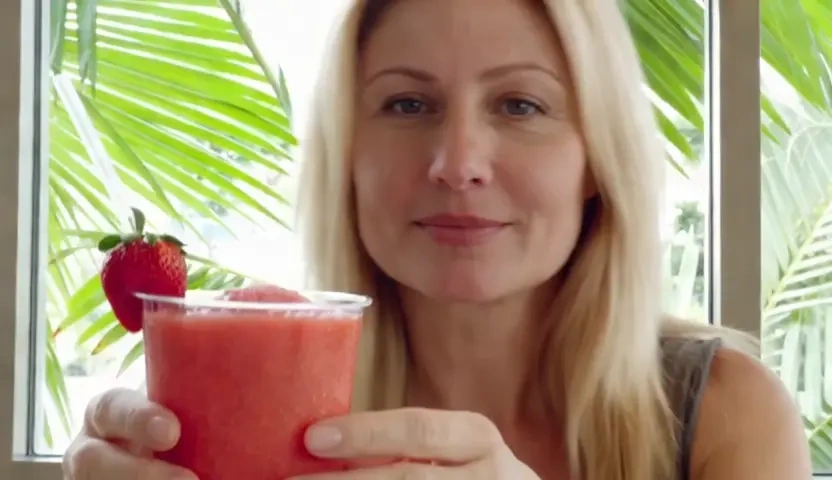
Give Illustrated Art a Motion Beat
Artists do not need a 3D rebuild to see a painting move. Feed the artwork and KorioAI will run an image to animation AI pass that respects line weight, palette, and negative space while the camera eases through the frame. The still remains the author; motion is the extra beat for a reel or a portfolio loop you can start free.
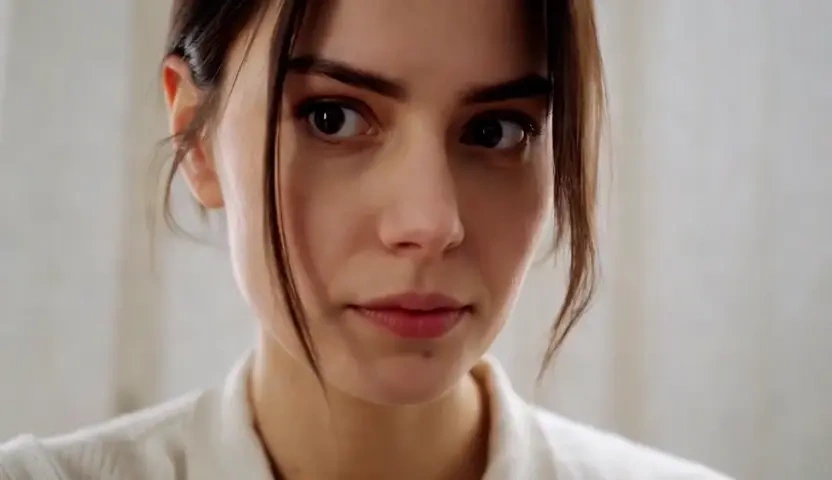
Lift Travel and Scene Photos into Cinema
A landscape or interior still already has depth; it just lacks time. Turning photos into video on KorioAI means the model reads foreground, midground, and sky, then adds a measured push or drift instead of a cheap Ken Burns zoom. Use it to make a video out of pictures you shot on location when you need a teaser before the edit is finished.
Who is KorioAI's Image to Video for?
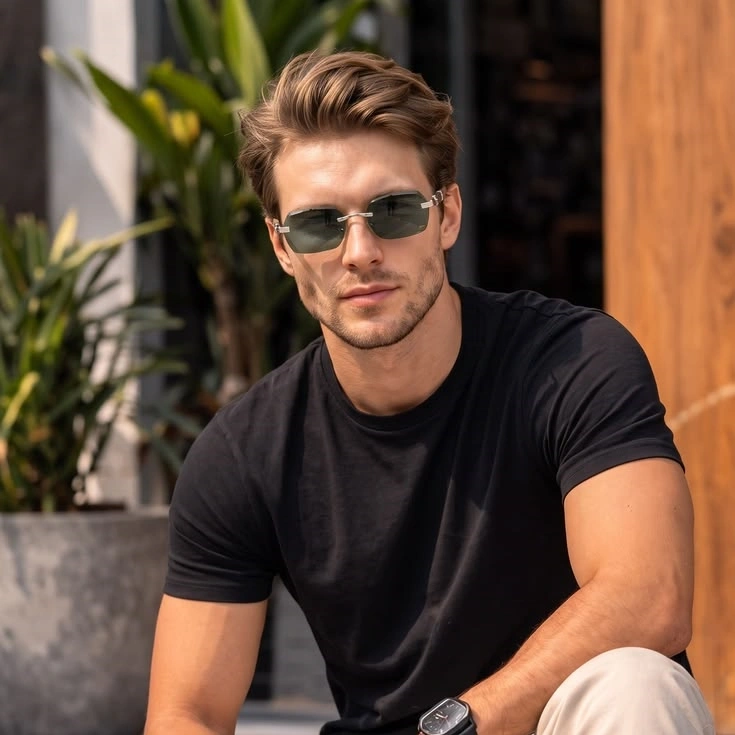
E-commerce Sellers and Performance Marketers
Catalog teams sit on thousands of stills that never get a motion test. KorioAI turns a product photo into a clip you can A/B against the static card, which is faster than booking another studio day.

Photographers, Art Directors and Visual Artists
If the image is already the work, you should not have to redraw it to see motion. Picture to video AI lets the original frame stay authored while you judge camera and atmosphere.
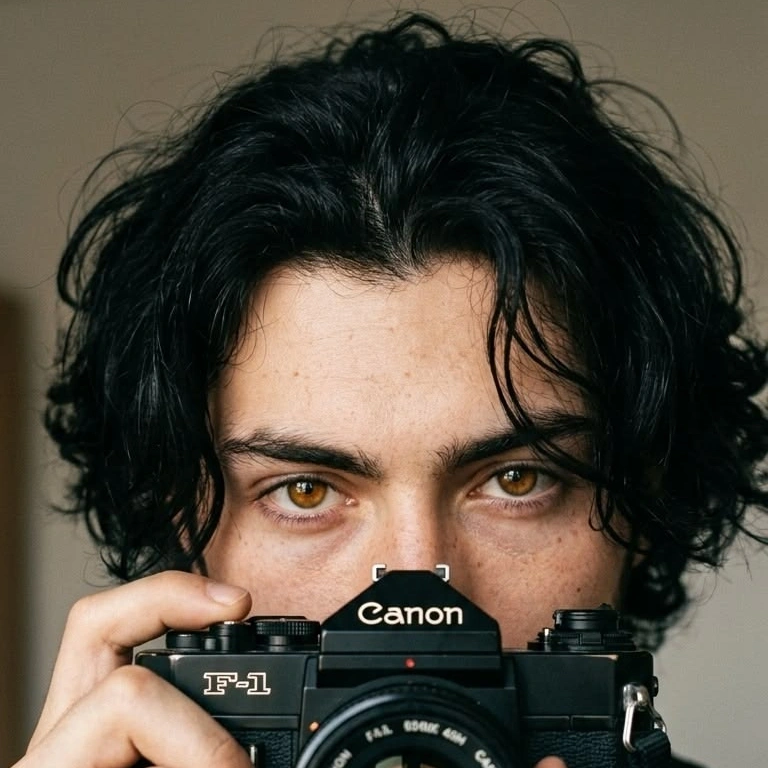
Social Creators Working from Stills
Reels and Shorts reward movement, but most briefs arrive as a single jpg. A free image to video AI start in the browser is enough to test whether the still deserves a full edit.
Why Choose KorioAI's Image to Video?
Subject Lock from the Source Photo
The first job is not invention. KorioAI holds face geometry, product edges, and wardrobe so the clip still looks like the picture you uploaded, which is the difference between directed motion and a lucky first frame.
Camera-Aware Motion, Not a Slow Zoom
A Ken Burns pan is not image to video. The model adds parallax, light wrap, and temporal consistency so the still feels directed rather than stretched across a few empty seconds.
Browser Export You Can Start Free
Bring a jpg, png, or webp; leave with motion you can download. Uploads stay in your workspace rather than a public gallery, and the flow is free to start while you judge whether the still deserves a longer cut.